
How to Search Baraga County Court Records
The primary channel for Baraga County court records is MiCOURT Case Search, the state's public case-lookup portal. It draws from courts across Michigan and can surface civil, traffic, criminal, domestic and divorce-family, and probate cases, depending on which court publishes its data. Baraga County's district court has its own listing inside the system, reachable through the county's district court page, which links straight to the local instance for the 97th District Court.
Before searching, it helps to have a case number or a party's full name, the two main lookup paths on the portal. A name search matches entries that begin with the letters typed, while a case-number search matches any case containing the digits entered. Filters can then narrow the list by case type, year, status, or date range.
The MiCOURT public case-search homepage is where most Baraga County court-records lookups begin.
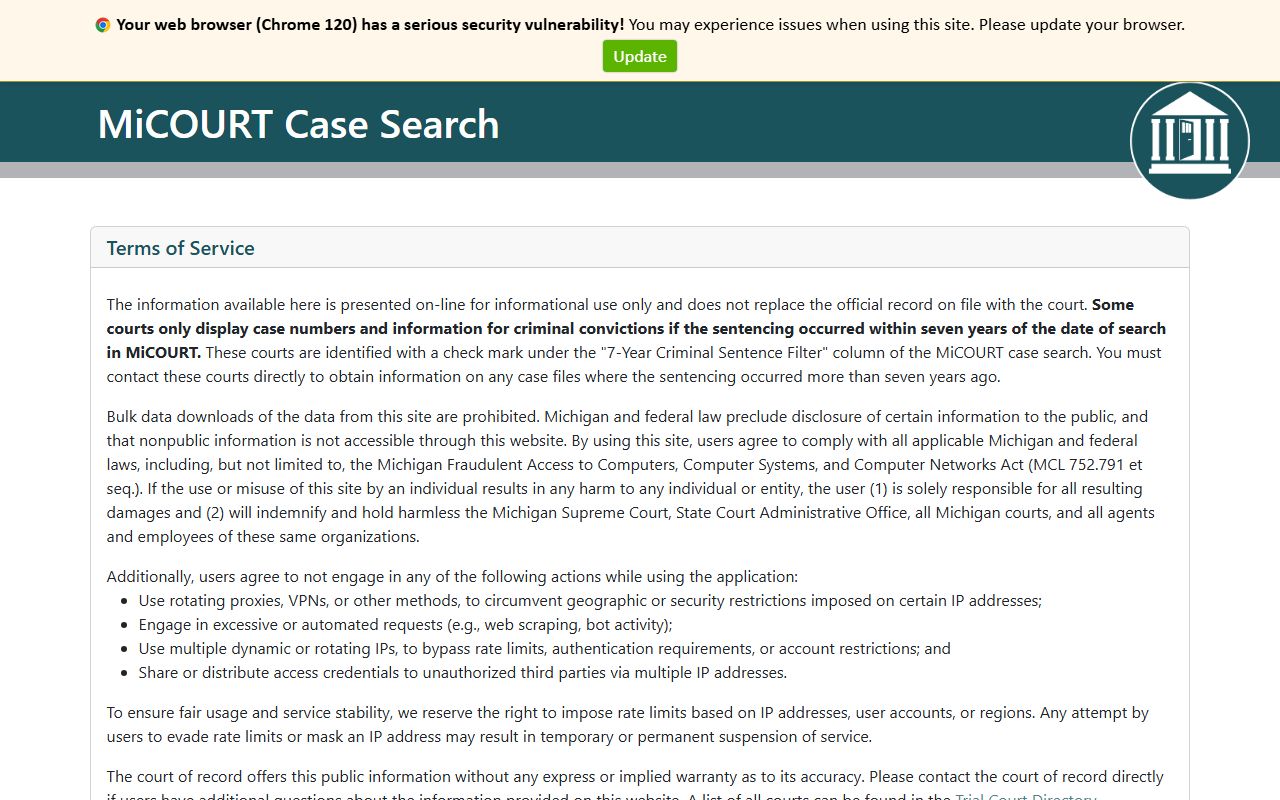
That homepage routes a search into the statewide index before narrowing results down to a specific Baraga County case.
- Open MiCOURT Case Search and choose a search type: case number or participant name.
- Enter the case number printed on any notice, or type a first and last name if the number is not known.
- Add filters such as case type, case type category, case year, or a date range to narrow a broad name search.
- Review the results list, keeping in mind that starter and public accounts often see only the first page of matches.
- Open the matching case for docket and party details, or call the district, circuit, or probate clerk directly if the case does not appear online.
Baraga County Court Records Search Fields
The field list below comes from the MiCOURT developer documentation, which lays out how the public search engine reads each entry. Some fields are alternate starting points for a search, while others only filter a list a case number or name search has already produced.
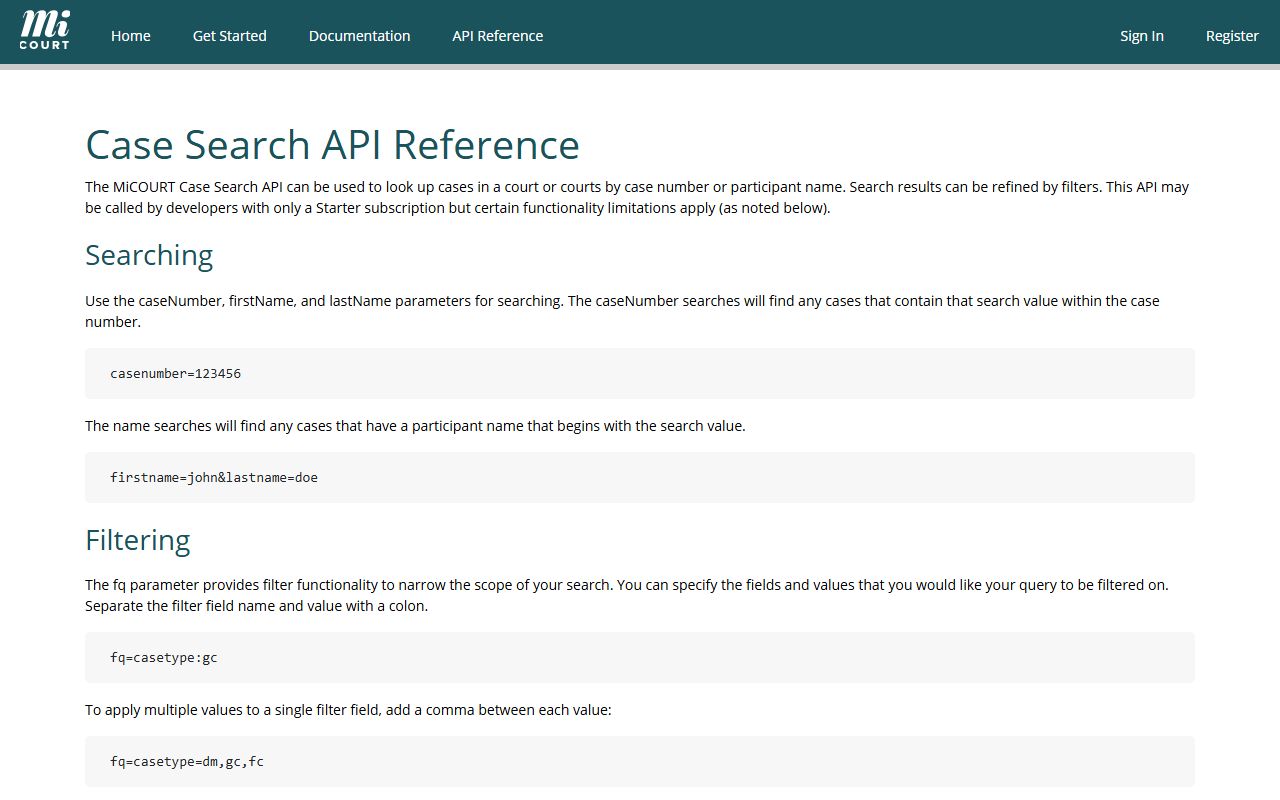
That documentation explains why a broad name search sometimes returns far more results than a specific case-number search.
| Field | Type | Required | Notes |
|---|---|---|---|
| Case Number | Text | One of two required | Matches any case that contains the digits entered. |
| First Name | Text | One of two required | Matches participant names that begin with the letters typed. |
| Last Name | Text | One of two required | Used together with First Name for a participant search. |
| Case Type | Dropdown filter | No | Narrows to a specific case type code, which varies by court. |
| Case Type Category | Dropdown filter | No | Options include adoption, appeals, civil, criminal, domestic, juvenile, non-traffic, probate, and traffic. |
| Case Status | Dropdown filter | No | Options include open, closed, disposed, deferred, mediation, and ADR. |
| Case Year | Dropdown filter | No | Limits results to the calendar year a case was filed. |
| Judge | Dropdown filter | No | Filters by the assigned judge's professional number. |
| File Date Range | Date range | No | Limits results to cases filed between two dates. |
| Offense Date | Date range | No | Narrows criminal cases to a specific offense date window. |
| Disposition Date | Date range | No | Narrows results to a disposition date window. |
| DLN | Text | No | Driver's license number and issuing state, used mainly for traffic cases. |
| Plate | Text | No | Vehicle plate number and issuing state, used mainly for traffic cases. |
Important: Public and starter-level MiCOURT accounts see only the first ten results per query, so a specific case number beats a broad name search.
Which Baraga County Courts Hold These Records
Baraga County court records are split across three trial courts, and knowing the split matters more than any single search box. District court handles misdemeanor offenses, small claims of $6,500 or less, civil claims under $25,000, landlord-tenant disputes, land-contract cases, civil traffic infractions, and civil weddings. Circuit court picks up felony cases once a district judge finds probable cause and binds the case over, plus civil claims over $25,000, divorce and family matters, and appeals from district court. Probate court handles a separate track: deceased estates, wills and trusts, guardianship, conservatorship, and mental health matters.
That structure means one criminal matter can generate records in two courts. A felony often begins with a complaint and arraignment in district court, moves through a probable cause conference and preliminary examination there, and then continues in circuit court for the information, pretrial, trial or plea, and sentencing.
The Michigan Supreme Court publishes an overview of how the state's courts fit together.
That statewide page frames district, circuit, and probate courts as the trial-level tier, with the Court of Appeals and Michigan Supreme Court above them for appeals.
Note: felony records that already reached circuit court are best searched under both district and circuit court entries in MiCOURT, since early filings often stay tied to the district case number.
Types of Baraga County Court Records
Because three trial courts generate Baraga County's case files, the record types on file are broader than a single "court records" label suggests. Civil filings, criminal cases, traffic infractions, family matters, and probate proceedings all count as court records, and each carries its own document set.
The Michigan trial courts page breaks down which matters belong to which court level statewide.
That page groups Michigan's trial-level filings the same way Baraga County's district, circuit, and probate courts already split their dockets.
- Misdemeanor criminal records, handled in district court from complaint through sentencing.
- Felony criminal records, which start in district court and continue in circuit court after bindover.
- Civil case records, split between district court claims under $25,000 and circuit court claims above that amount.
- Small claims and landlord-tenant records, kept in district court.
- Family-division records, including divorce, custody, paternity, and support, filed in circuit court.
- Civil traffic infraction records, filed in district court.
- Probate records, covering estates, wills, trusts, guardianship, and conservatorship, filed in probate court.
What a Baraga County Court Record Shows
A published court record rarely comes as one document. It is closer to a running file that grows every time something happens in the case, from the original filing to the final order. The fields below reflect what a typical case record exposes once it is located, whether through MiCOURT or a clerk's copy.
| Field | What It Shows |
|---|---|
| Case Number | The unique identifier assigned when the case was opened, used for the fastest MiCOURT lookup. |
| Filing Date | The date the initiating document, such as a complaint or petition, was filed with the court. |
| Parties | The named plaintiff and defendant, or the people, or petitioner and respondent, involved in the matter. |
| Charges / Cause | The criminal charge or civil cause of action the case was built around. |
| Disposition | How the case ended, such as a plea, verdict, dismissal, or judgment. |
| Sentence / Judgment | The court's final order, including any sentence, fine, or civil judgment amount. |
Not every field is public for every case. Some entries, including certain personal identifiers, are withheld or redacted even when the underlying case is otherwise open to view.
Public Access Rules for Baraga County Court Records
Two Michigan Court Rules govern what shows up in a Baraga County court record and who can see it. MCR 1.109 defines what counts as a court record in the first place. It reaches beyond the obvious documents to include pleadings, orders, judgments, notices, bench warrants, arrest warrants, and other process issued by the court.
MCR 8.119 is the rule that actually controls access. Under that rule, a record can be treated as nonpublic only when a statute or another court rule says so. Otherwise, case records stay open to inspection. MCR 1.109 adds a privacy layer: protected personal identifiers, such as date of birth, Social Security number, driver's license or state ID number, passport number, and financial account numbers, generally must be redacted from public filings, and courts are barred from putting date of birth into public case-history data.
The Michigan courts publish the full text of Chapter 1 of the court rules online for anyone who wants the underlying language.
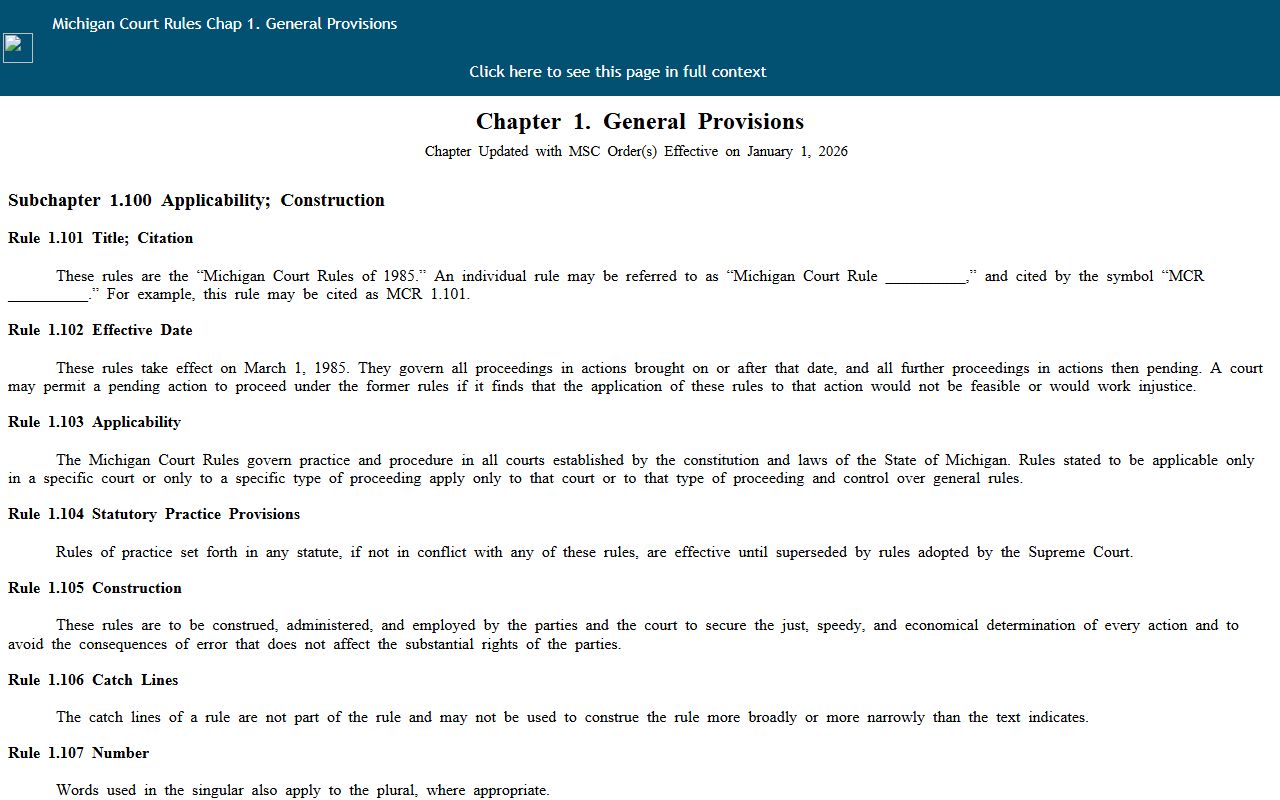
That rulebook page is the source MCR 1.109 and the public-access framework used across Baraga County's district, circuit, and probate records rely on.
Important: A clerk is not required to scrub every protected identifier from every document before release, so redaction and special handling still matter at pickup.
Records That Are Sealed or Nonpublic
Not every Baraga County court record is open for viewing. MCR 8.119 allows a record to become nonpublic when a specific statute or court rule requires it, which covers categories such as juvenile matters, certain mental health proceedings handled in probate court, and filings a judge has sealed by order. MiCOURT reflects part of this distinction through a case-search filter for public status, since the system separates public cases from suppressed ones.
A few plain definitions help with the terminology used across Baraga County's court pages and Michigan's rules.
- Nonpublic record
- A record a statute or court rule keeps out of public view entirely, as opposed to one that is simply hard to find.
- Sealed record
- A record a judge has ordered closed, usually by a specific order tied to that case rather than a blanket category.
- Redacted document
- A public document with protected identifiers, such as a Social Security number, removed or blacked out before release.
- Suppressed case
- MiCOURT's term for a case marked outside the default public-status search results.
Someone who needs a record that does not appear through the normal channels can still ask. The clerk of the court that holds the file, whether district, circuit, or probate, is the right first contact for questions about why a specific record is not visible online.
Note: contacting the clerk directly is often faster than resubmitting a MiCOURT search when a case shows as nonpublic or suppressed.
Every Way to Access Baraga County Court Records
MiCOURT is the fastest channel for Baraga County court records, but it is not the only one, and it is not guaranteed to show every filing. The county's official trial court directory and the local court pages point to other channels that fill in the gaps when a case does not appear online, is too old for the current search index, or needs a certified copy.
The table below lays out each channel side by side, since a search that only tries one path can dead-end unnecessarily.
| Channel | How It Works | Best For |
|---|---|---|
| Online (MiCOURT) | Search by case number or participant name through the statewide portal. | Recent, public, and non-sealed cases. |
| In person | Visit the district, circuit, or probate clerk depending on the case type. | Certified copies and records that are not published online. |
| Phone | Call the relevant clerk's office directly using the extension for that court. | Docket status questions and record-copy scheduling. |
| Records request (FOIA) | Submit a written request to the county's FOIA Coordinator. | Older records, bulk requests, or files not otherwise available. |
MiCOURT is a case-search tool, not a criminal-history check. A separate state system called ICHAT reports public criminal history from all 83 counties, but it does not display warrants and does not replace a docket search when the goal is a specific case file.
Requesting Copies In Person or Through FOIA
Baraga County keeps records requests centered on the clerk's office in L'Anse. The office manages vital and county records, processes circuit court files, and serves as the county's FOIA Coordinator's office, which makes it the natural stop when a record needs a certified copy or is not visible through MiCOURT.
Requests outside the normal clerk counter follow Michigan's Freedom of Information Act. A FOIA request must be in writing, though the county provides its own form, and it can be delivered in person, by mail, by fax, or by email. The county must respond within five business days, with a possible ten-business-day extension. Payment may be required before records go out, and a deposit can be required when the estimated cost runs over $50.
Baraga County Clerk of Court
2 S. Main Street
L'Anse, MI 49946
906-524-6100
Monday-Friday, 8:00am-4:00pm
A step back to the map of trial courts across the state shows how Baraga County's office fits into the wider system.
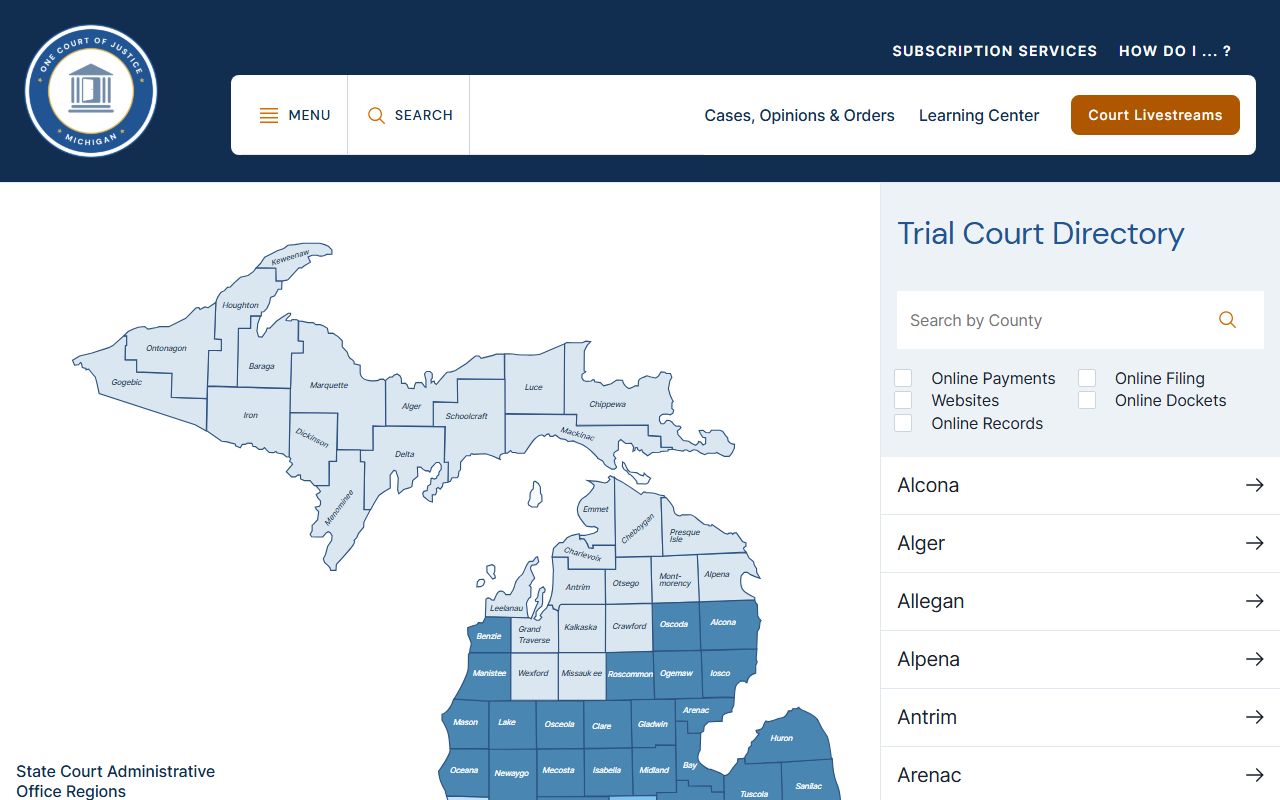
That statewide directory confirms which court serves Baraga County when a record does not turn up locally and a request has to be routed elsewhere.
Where a Baraga County Case Record Goes Next
A single court record rarely tells the whole story on its own. Someone tracking a felony needs both the district court intake file and the circuit court follow-up. A closer look at a case's stage-by-stage history, including hearing dates and filing entries, lives on the county's court dockets page. Someone who instead needs a certified copy, a records request form, or the FOIA Coordinator's contact information can find the full process on the Clerk of Court page.
The routing pattern is simple once the three-court split is clear: district court for misdemeanors, small claims, and the early stage of felonies; circuit court for felony trials, big civil cases, and family matters; probate court for estates and guardianships. Matching the record to the right court, before opening a search, saves the most time of any single step in the process.